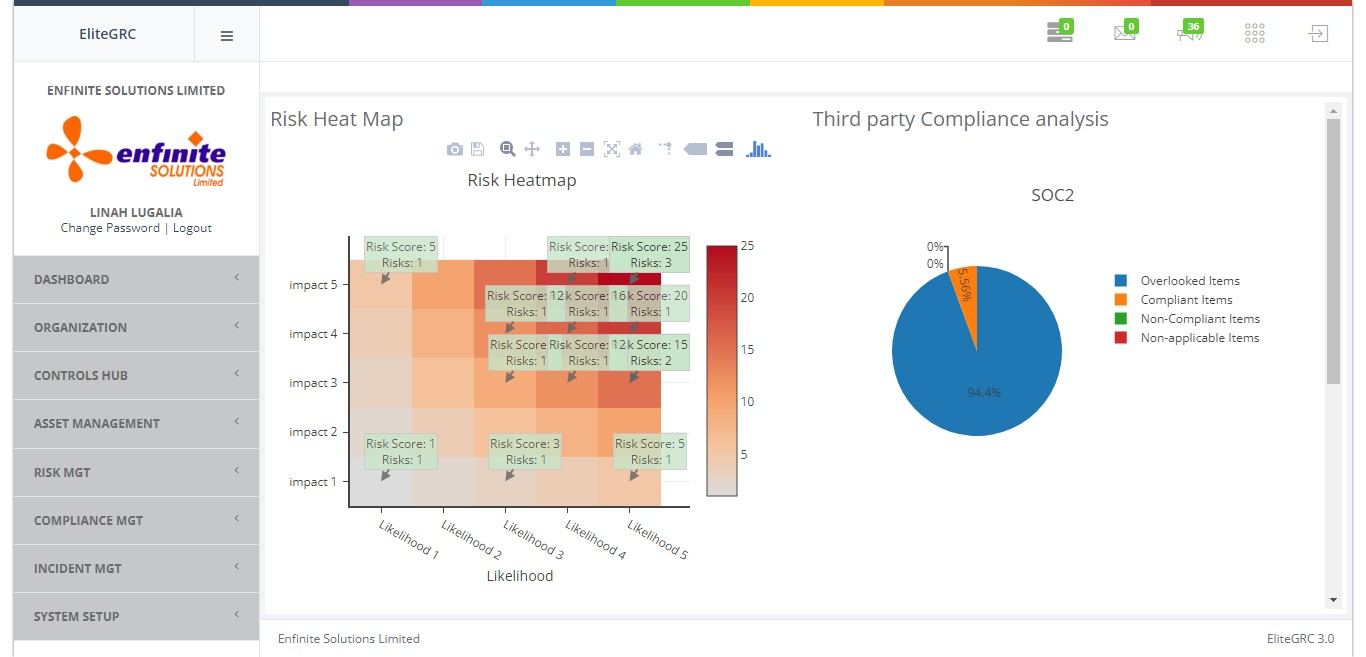
Note that organizations consist of vendors, suppliers, outsourcers, service providers, consultants, contractors, temporary workers, brokers, intermediaries, agents, and more. These often nest themselves in layers of relationships that impact the organization. Understanding the exchange of information in between your organization and third parties is essential to the security program. Those Third Parties will be used for Third Party Risk and Compliance for management purposes.
Please follow the below steps:
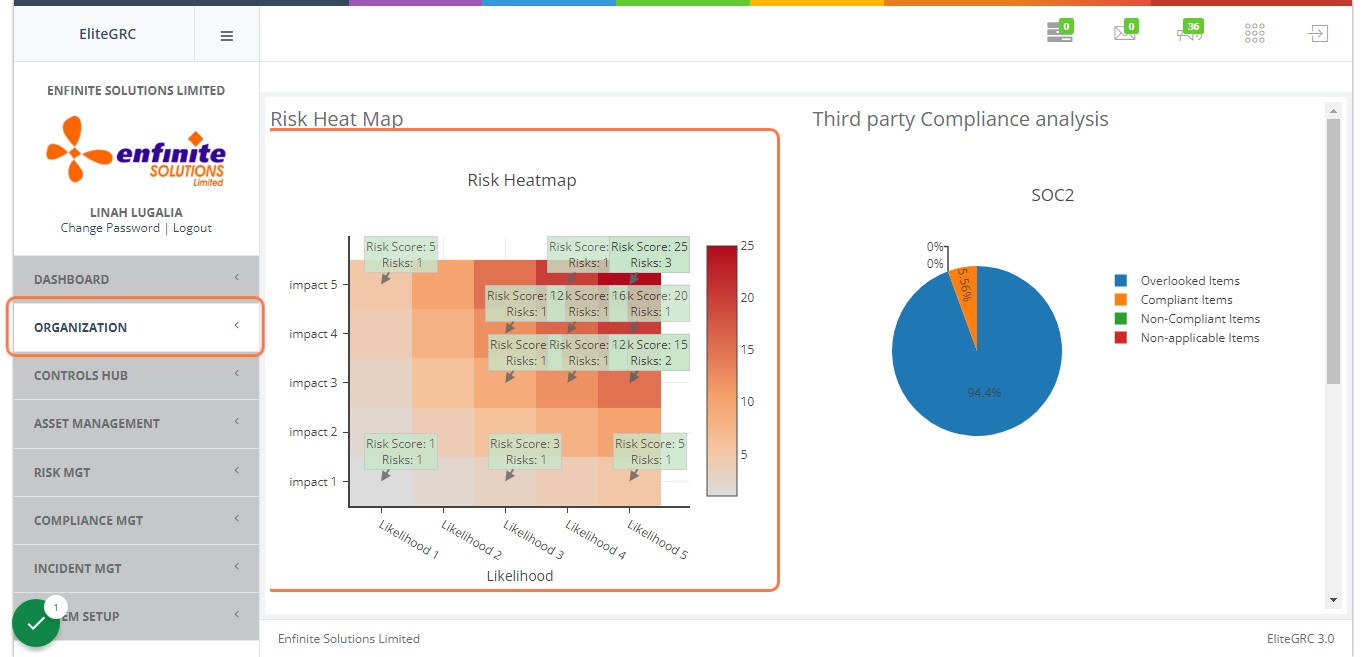
2. Go to "Organization" module
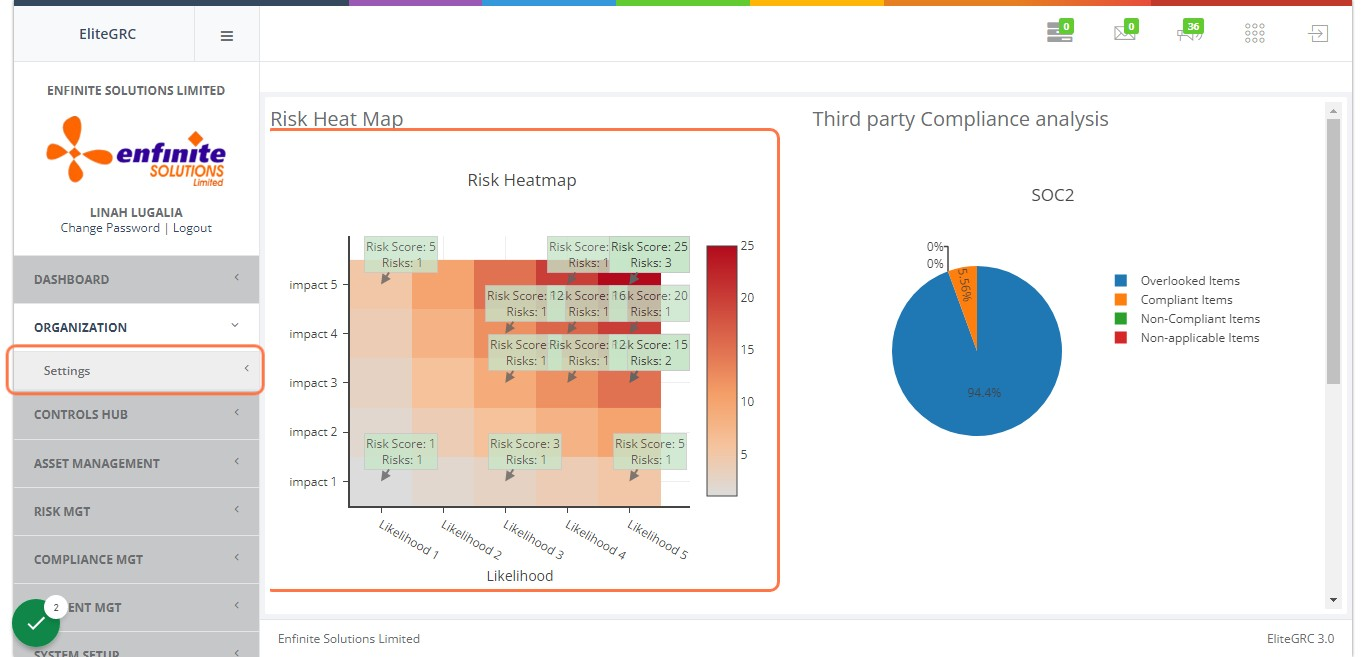
3. Click on "Settings" sub module
4. Click on "Third Parties" link\
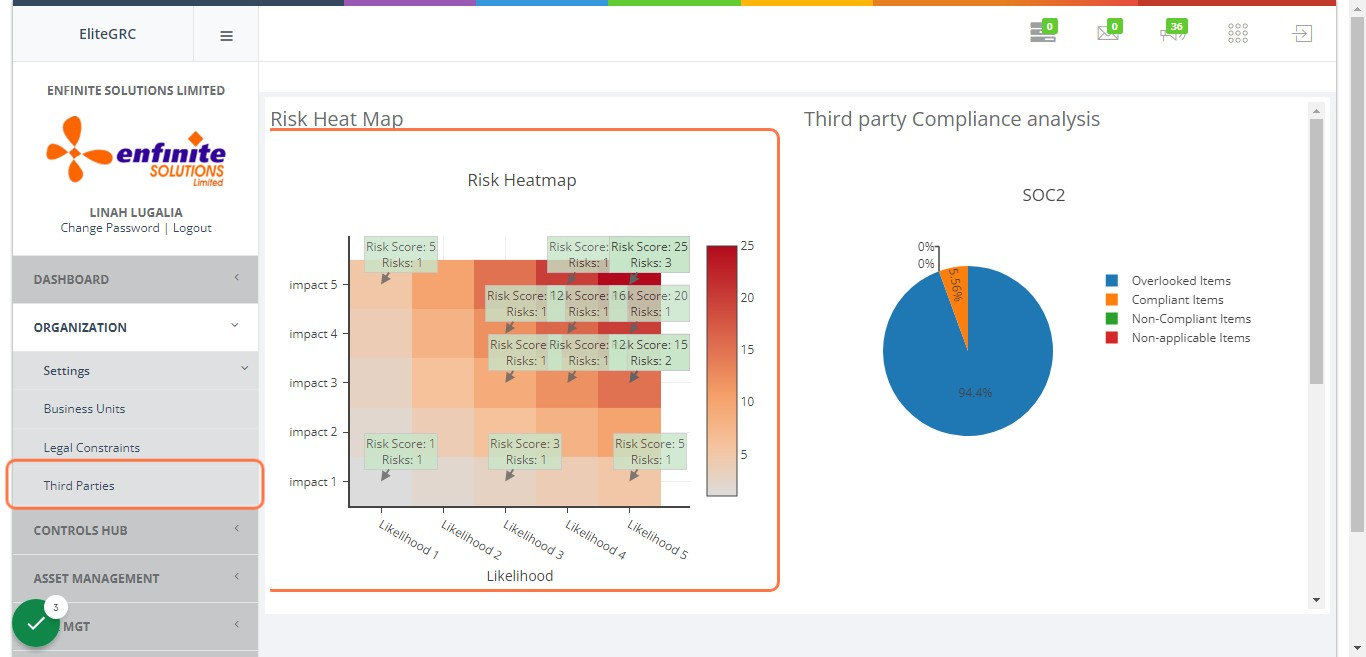
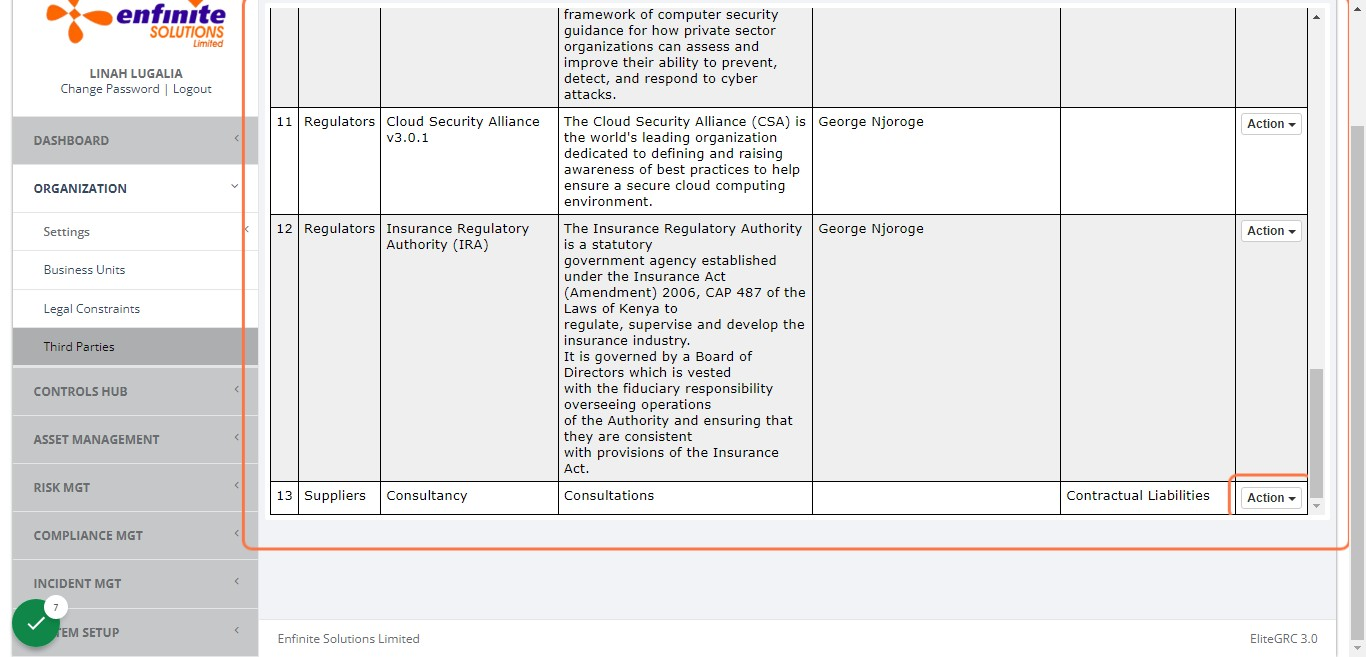
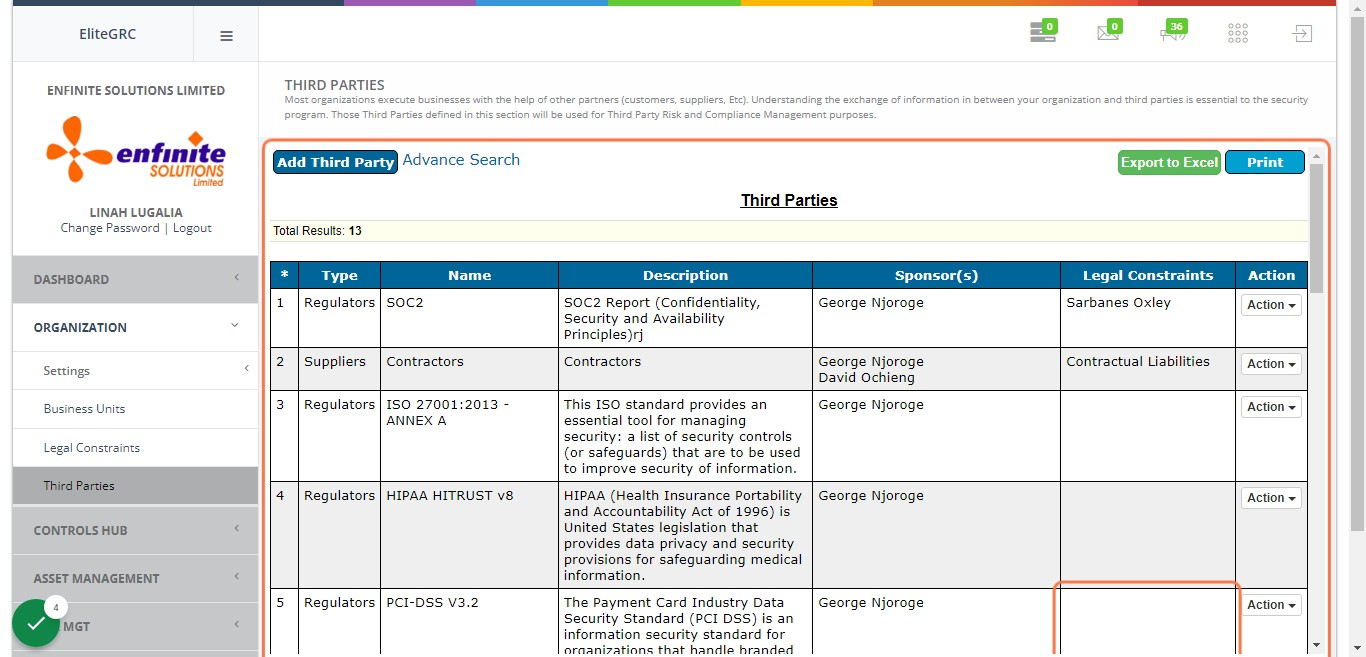
5. A list of all third parties registered in the system will pop out which has the details of each third party as shown below.
NB: Advance Search button used to perform a quick search, Export to Excel should you wish to export the list and the Print option should you need a print out of the same.
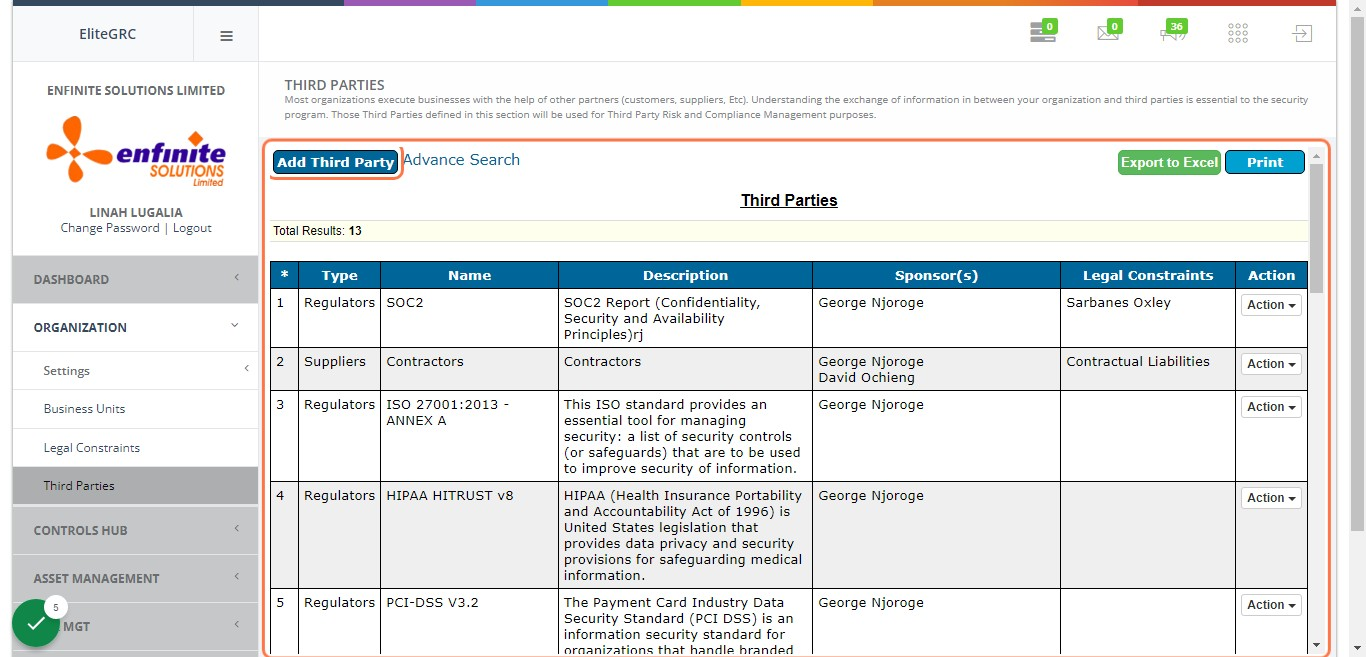
6. To add a third party, click on Add Third Party button
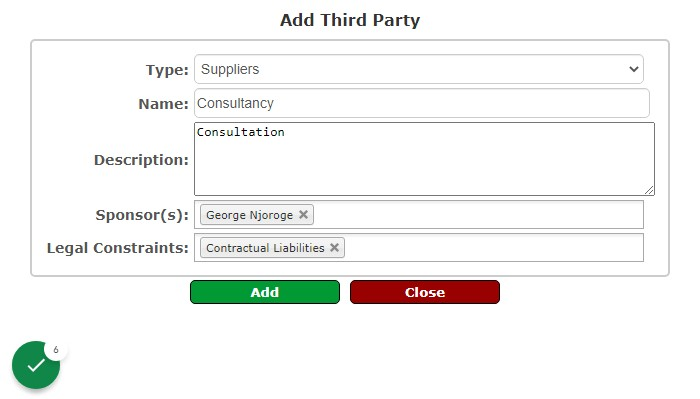
7. Fill in all the details in the pop out form
i.e. select the type (customers, suppliers or regulators), name, description, sponsors and Legal Constraints. Once done click on the Add button to save the details
8. The details will be saved under the third parties list as below in example 13