
Note that Legal Constraints are legal laws that control or restrict what one can do and ensures that each department complies.
Please follow the below steps:
1. Log into the system
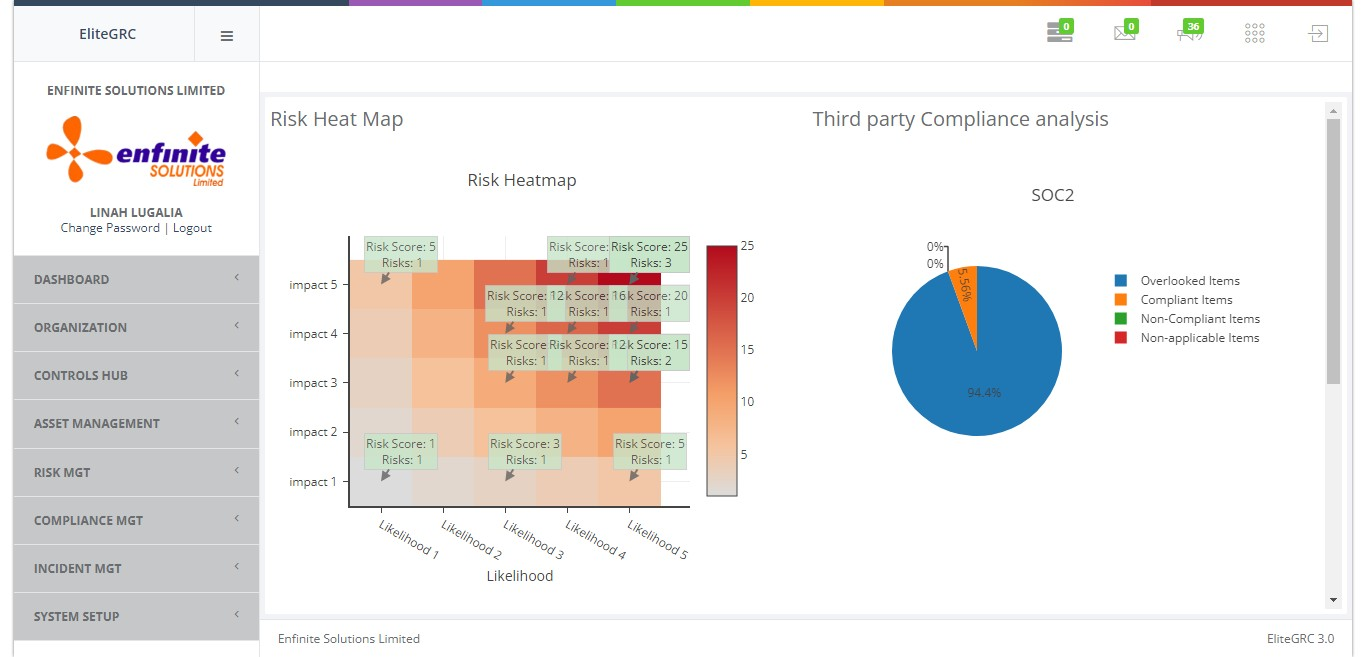
2. Click on "Organization" module
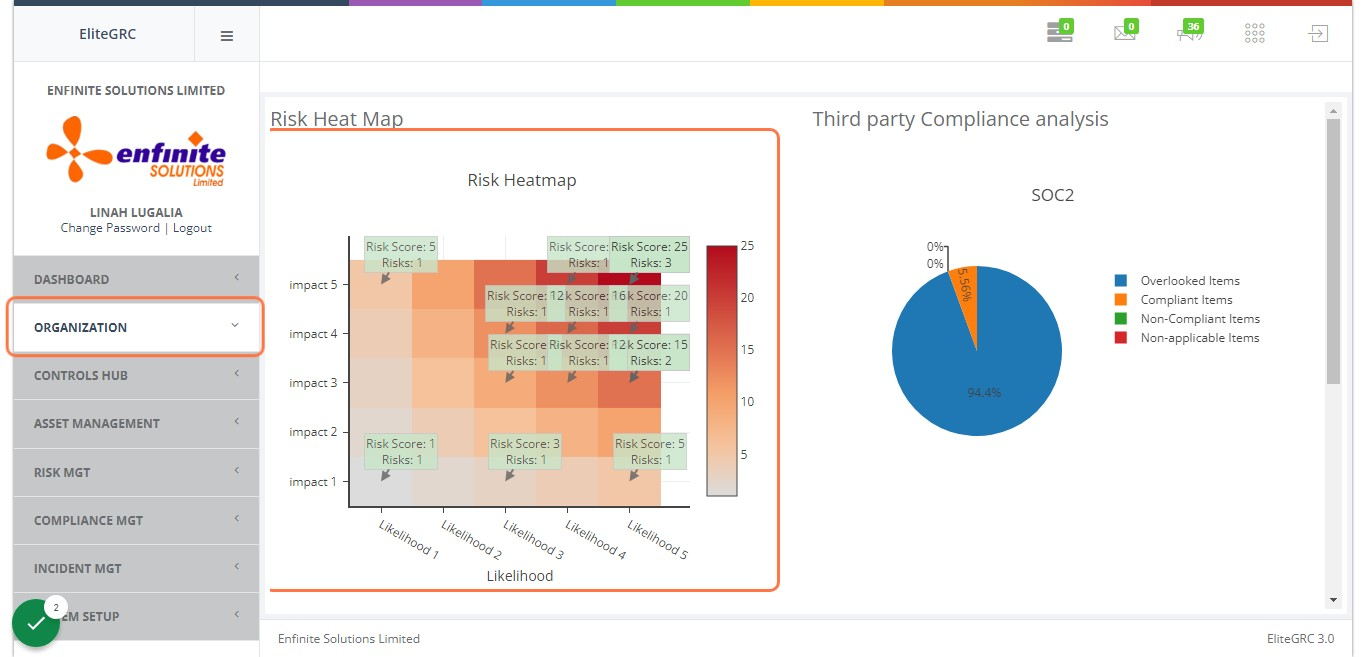
3. Click on "Settings" sub module
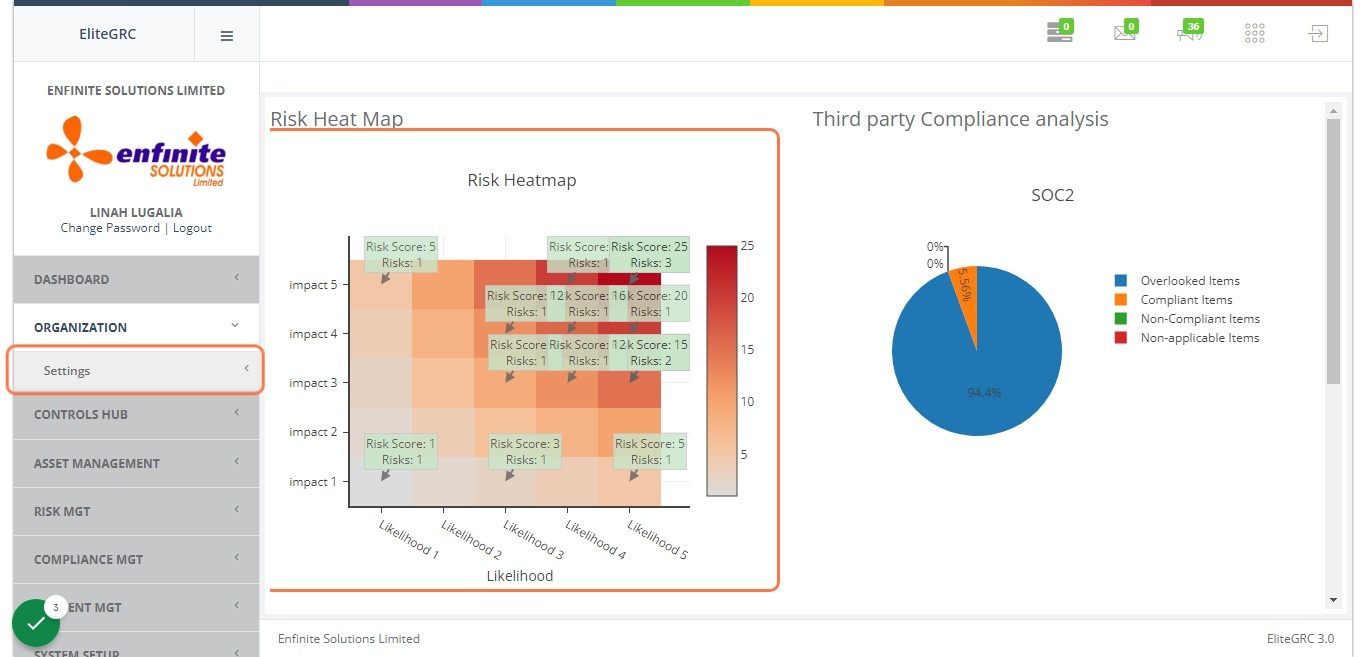
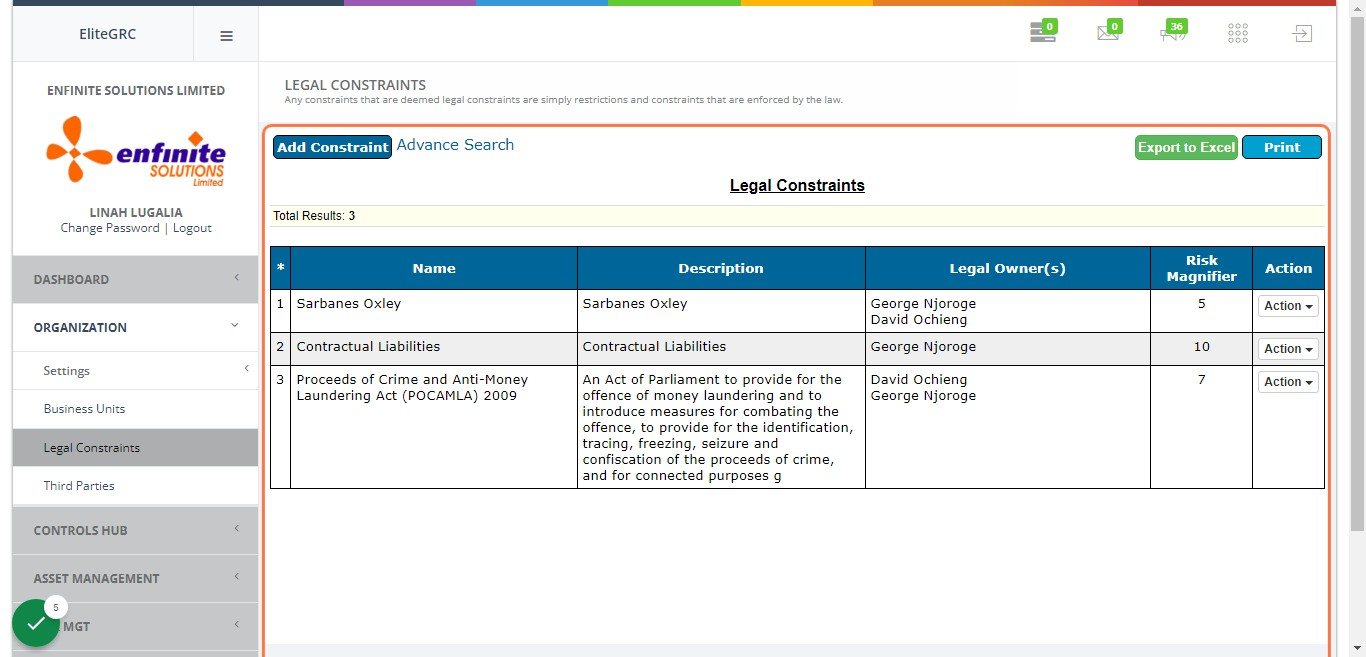
4. Click on "Legal Constraints" link
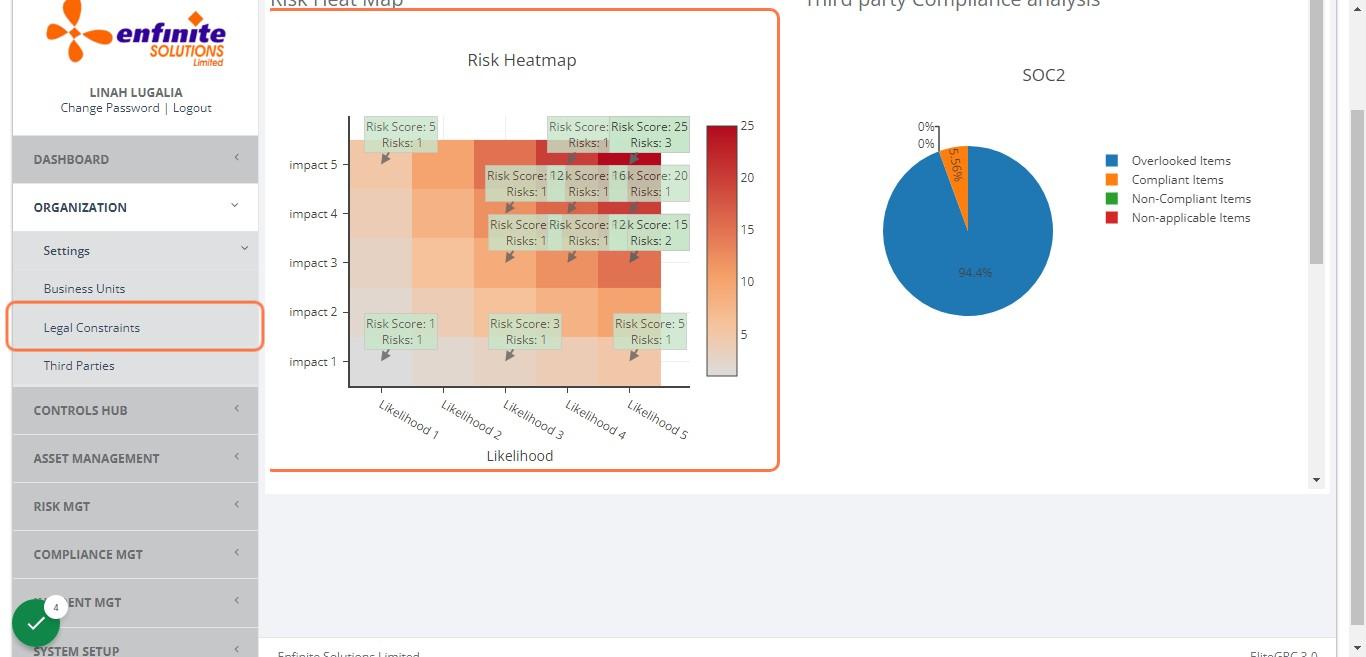
5. To view all the Legal Constraints captured in the system
NB- Export to Excel should you wish to export the list to excel and the Print option should require a print out of the same
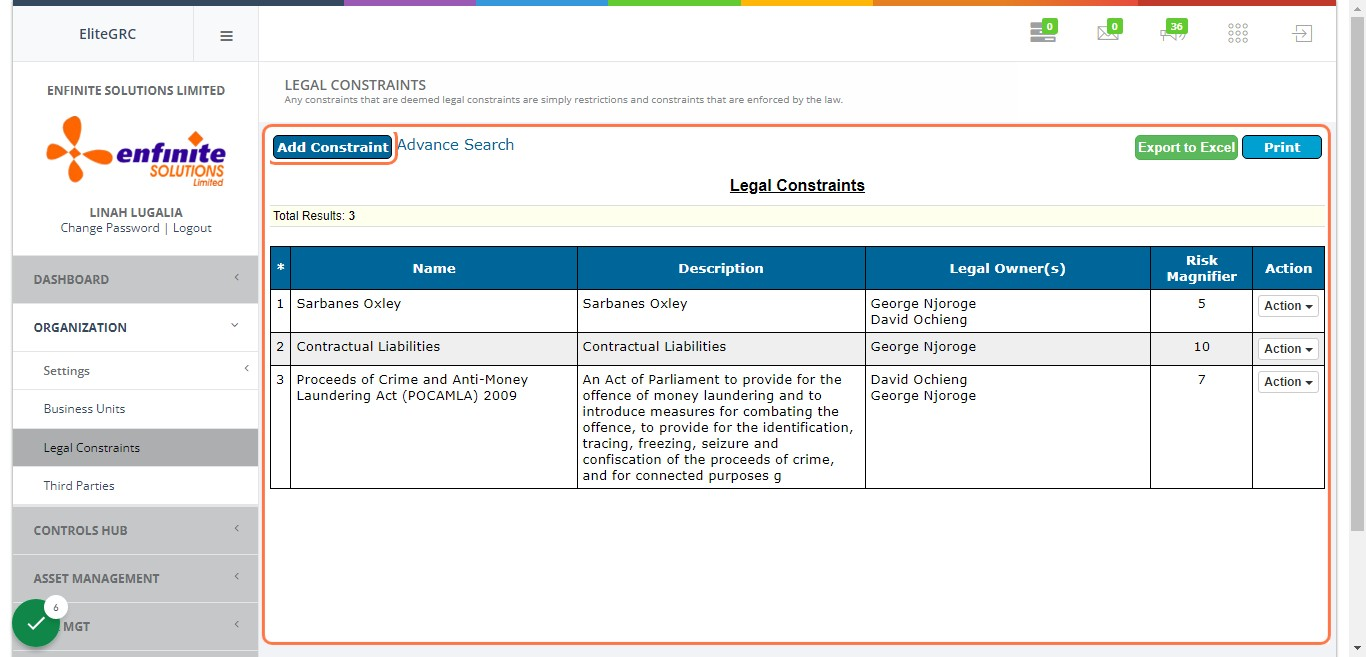
6. To add a new Constraint(s), click on "Add Constraint" button
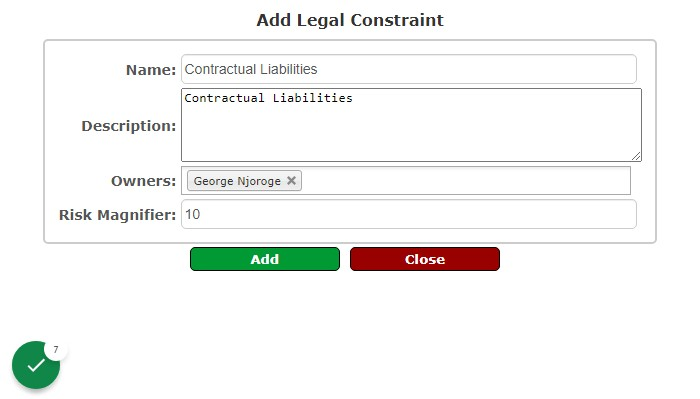
7. Fill in all the details in the provided fields accordingly as shown in the example below
I.e. name, description, owners and risk magnifier (allows organizations to follow security best practices by monitoring user activity and identifying risky behavior). Click on the Add button once you are done to save and submit the details.
8. The registered constraint will be save in the Legal Constraint list as shown below
