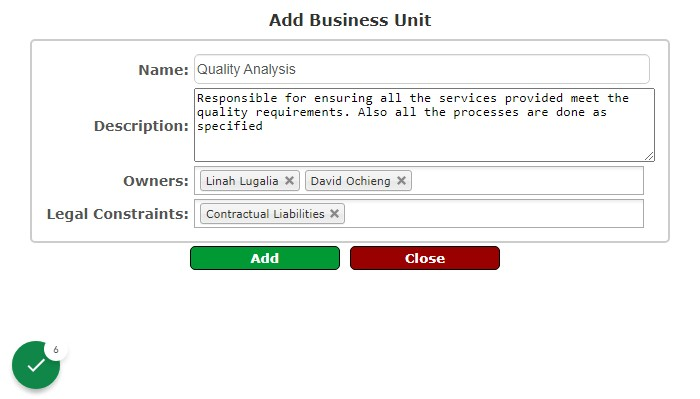
Business units are the different departments in the organizations. This module enables you to register them and the person in charge of a specific department and a description of the processes taking place around them which will be used later to identify assets and risks.
Please follow the below steps:
1. Log into the system
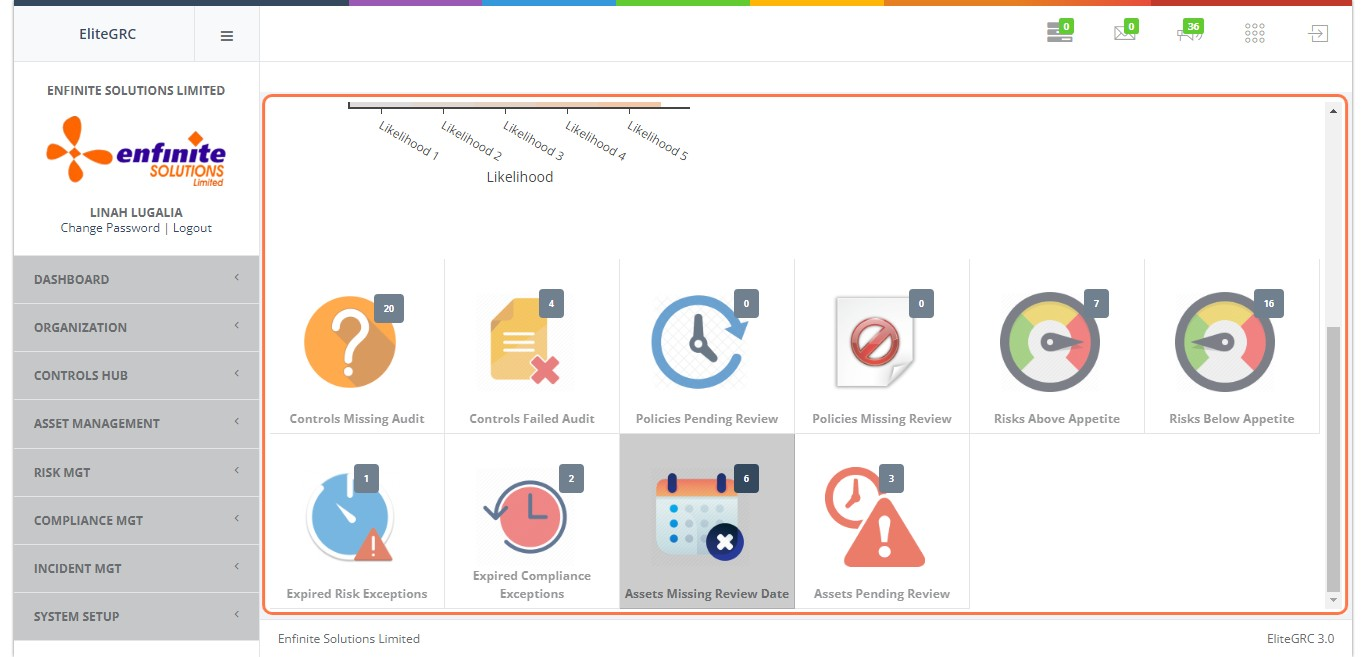
2. Click on "Organization" Module
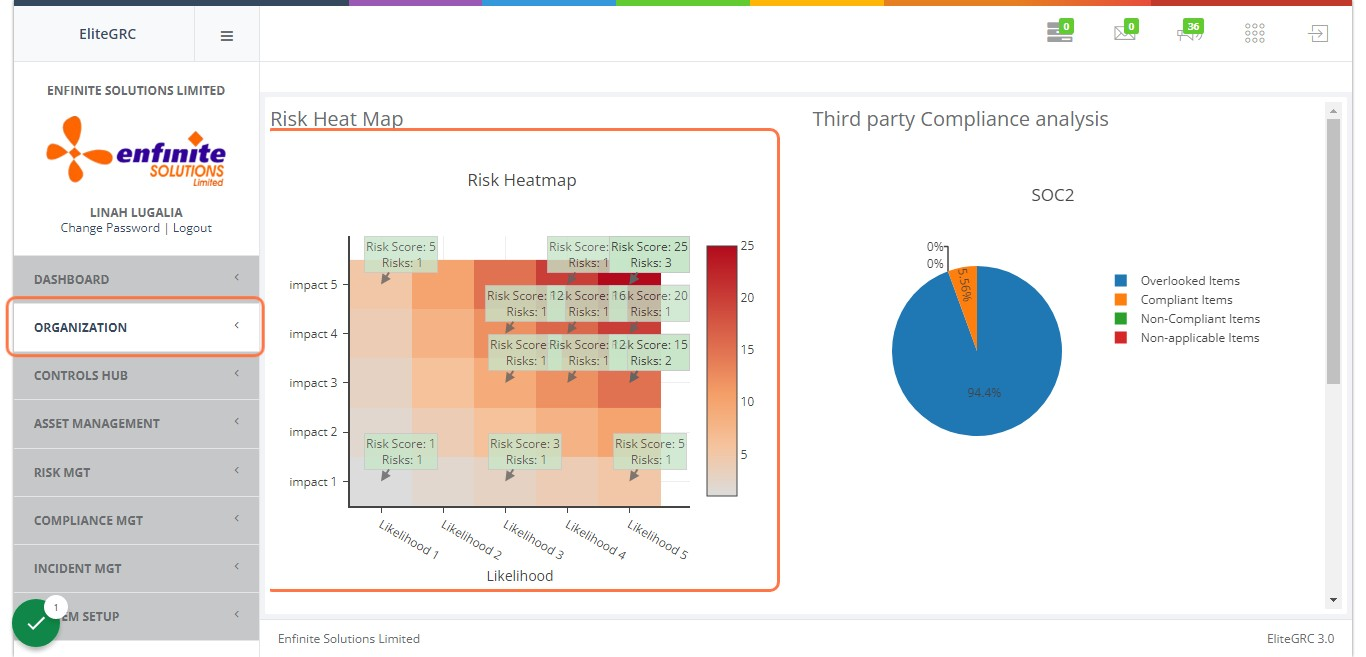
3. Click on "Settings" sub module

4. Click on "Business Units" link
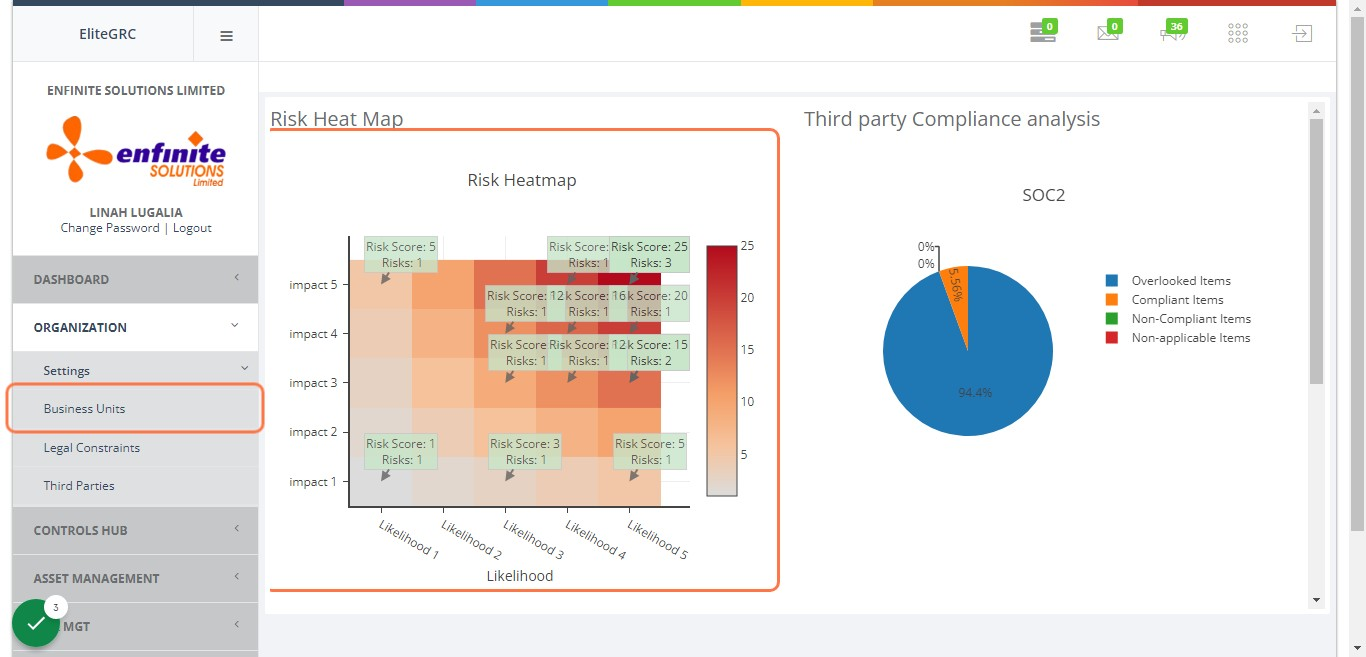
5. This is to view all the Business units registered in the system
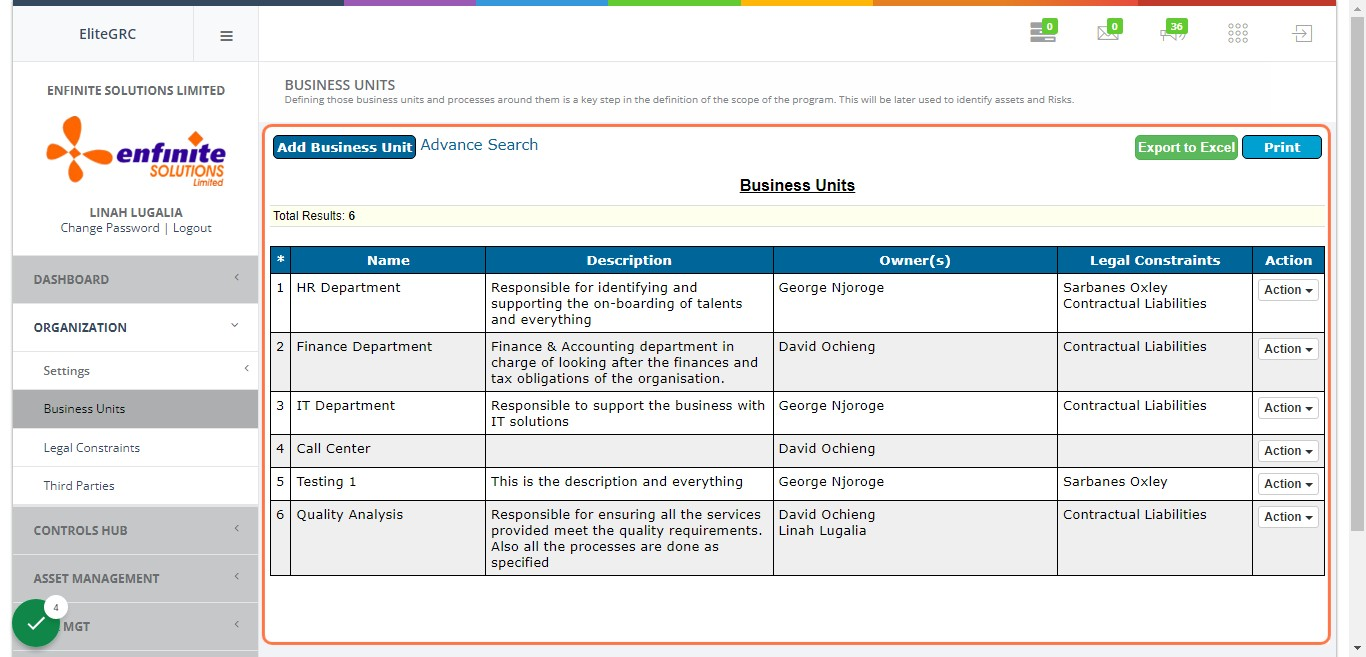
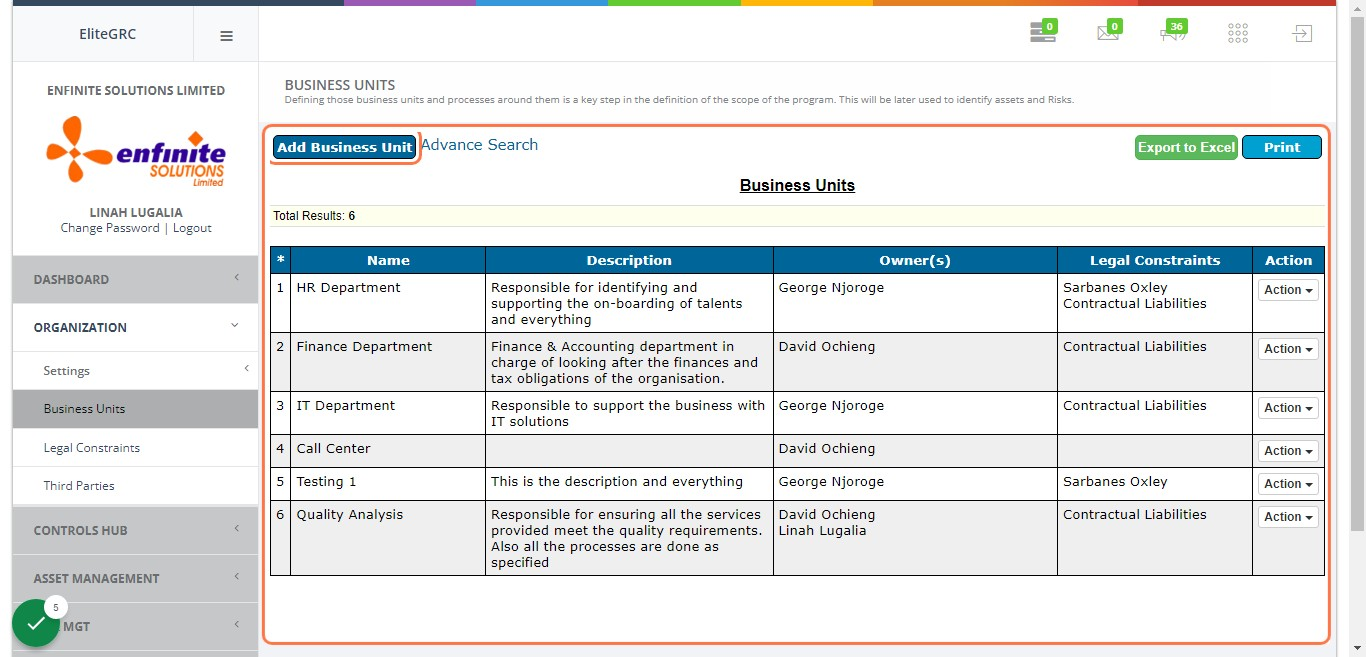
6. To add a business unit, click on "Add Business Unit" button at the top
7. Fill in all the details accordingly in the pop out form
As shown in the example below name, description, owners(head of the department) and select Legal Constraints. Once done click on the Add button to submit and save.