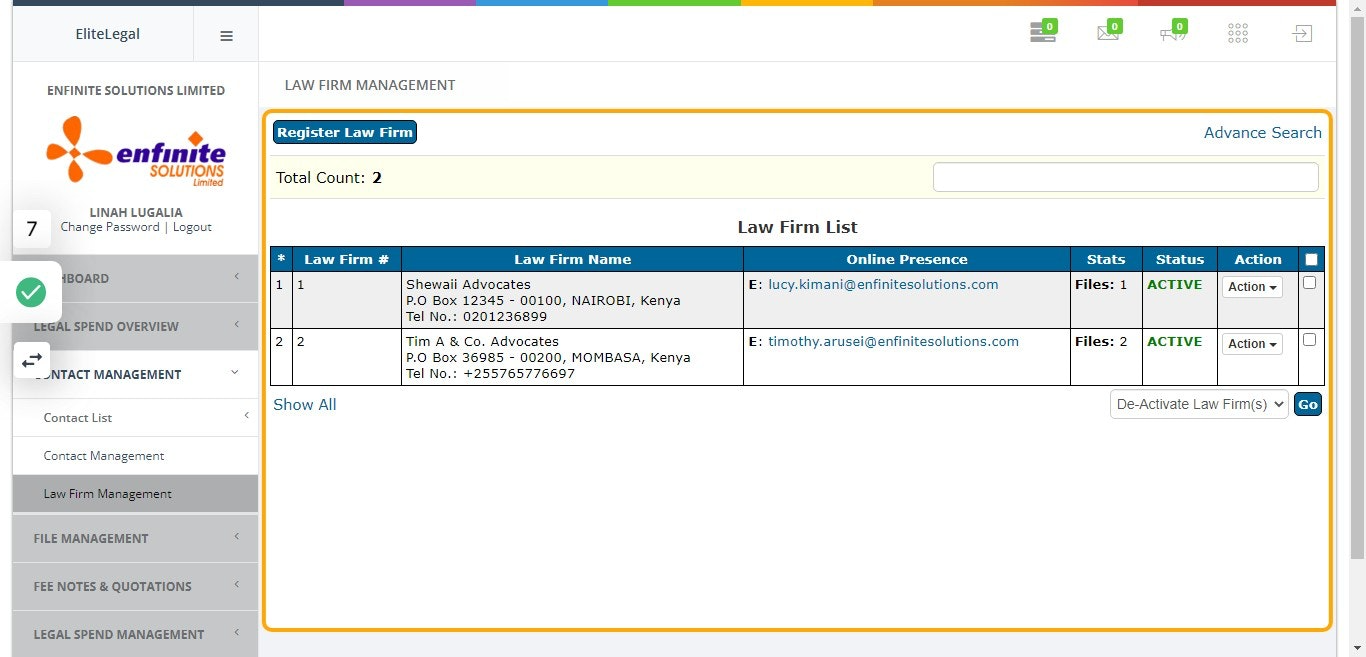
This module enables you to register different Law Firms to whom different client matters assigned to.
Follow the below steps:
1. Log into the system
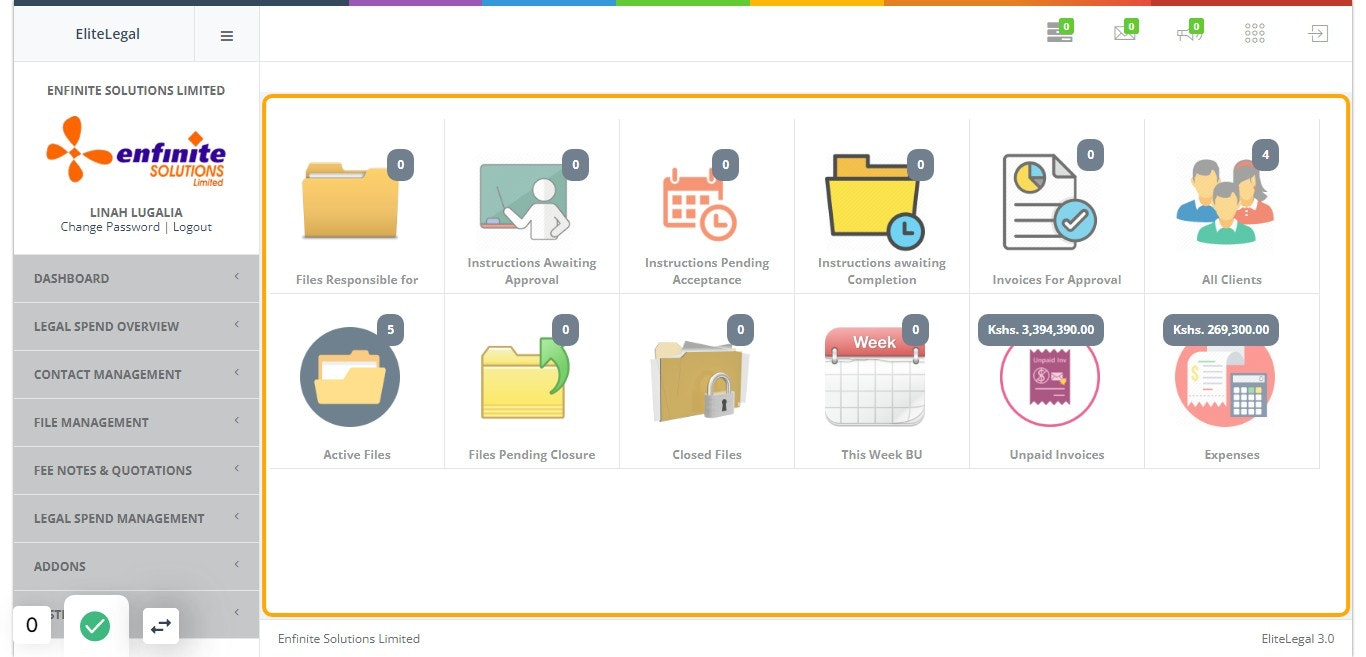
2. Go to "Contact Management" module
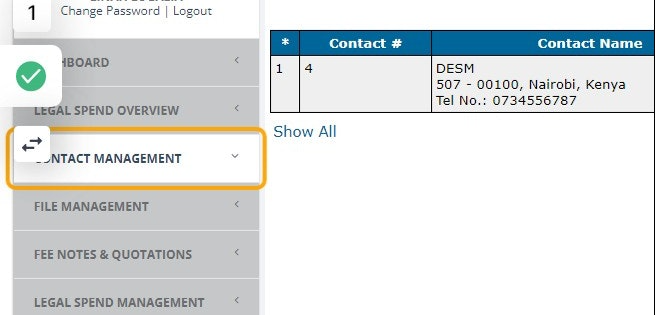
3. Click on "Law Firm Management" link

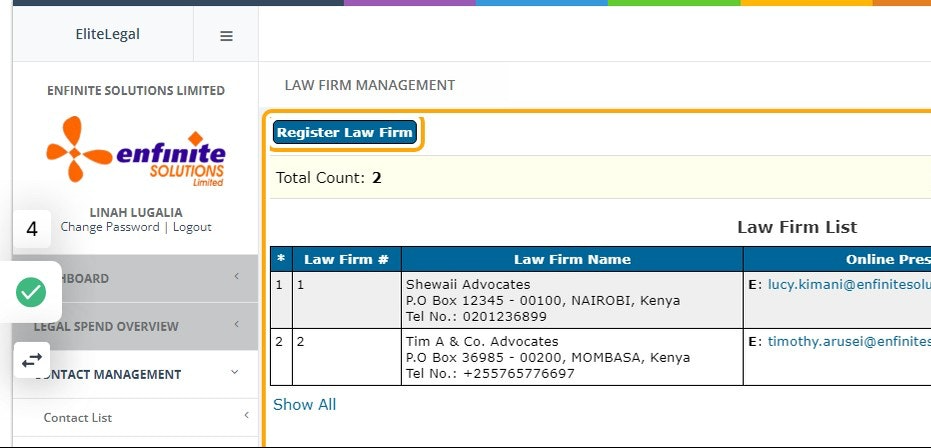
4. This enables you to view all the law firms registered in the system
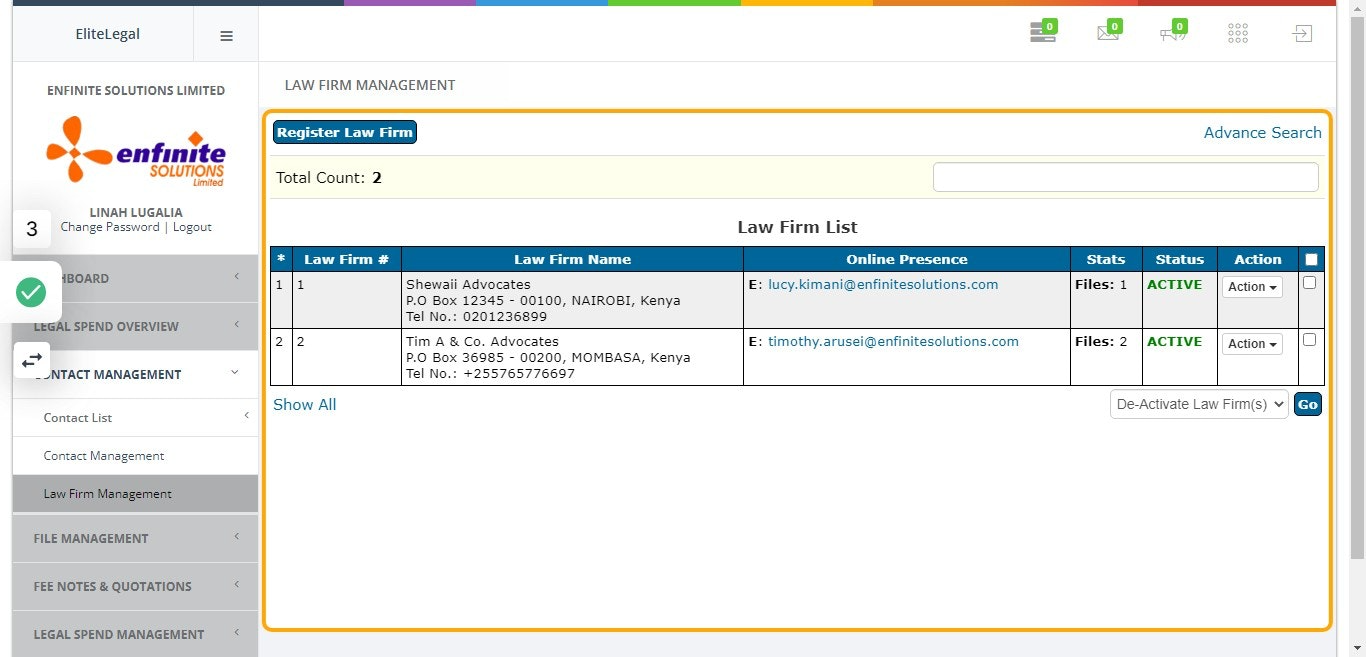
5. To Register a Law Firm, click on the "Register Law" Firm button
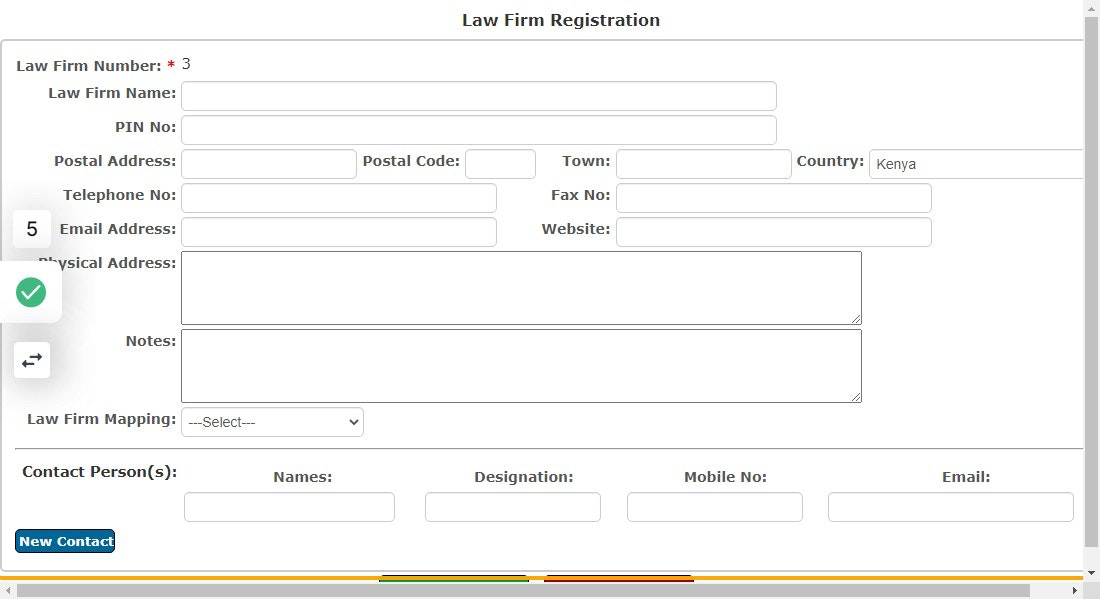
6. A Law Firm Registration form will pop out
Fill in all the details appropriately in the provided fields as the below example shows i.e. law firm name, pin number, contact person etc
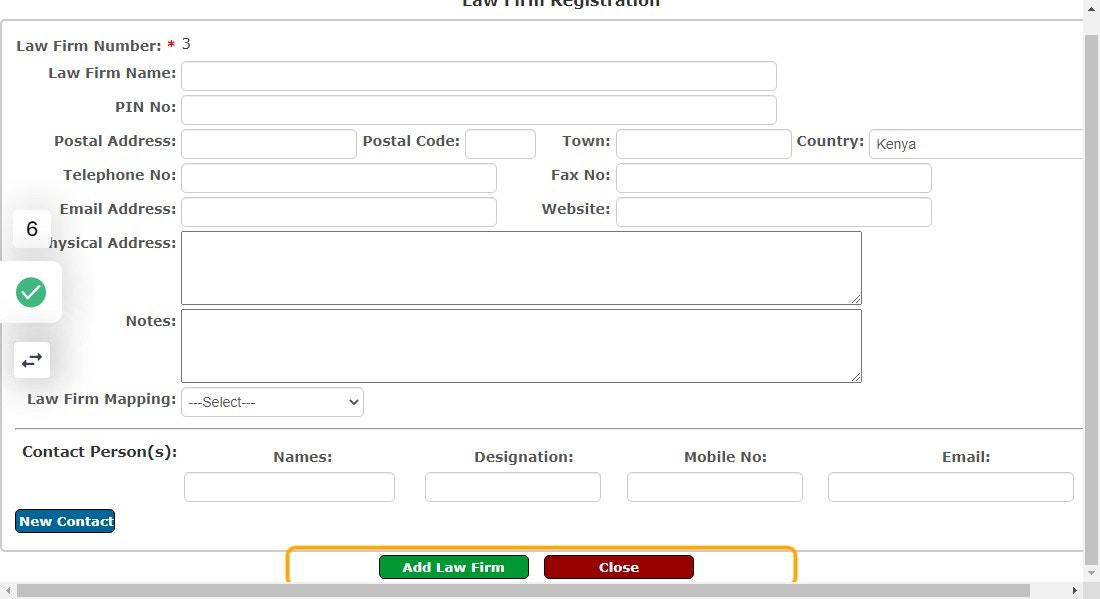
7. Click on "Add Law Firm" button at the bottom page
This enable you to save the details captured.
8. The law firms registered will now appear in the Law Firm list as shown below after registration process