
This module enables you to register different clients in the system, this provides their contact information and business details
Please follow the below steps:
1. Log into the system
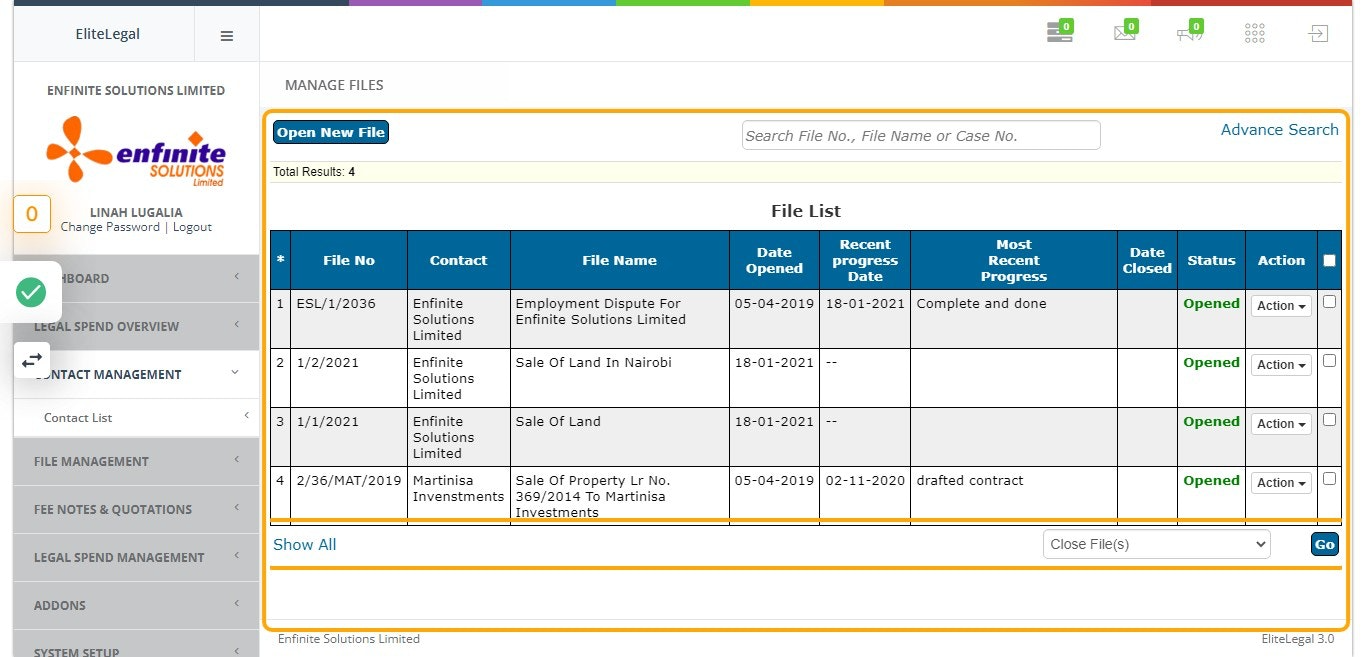
2. Click on "Contact Management" module.
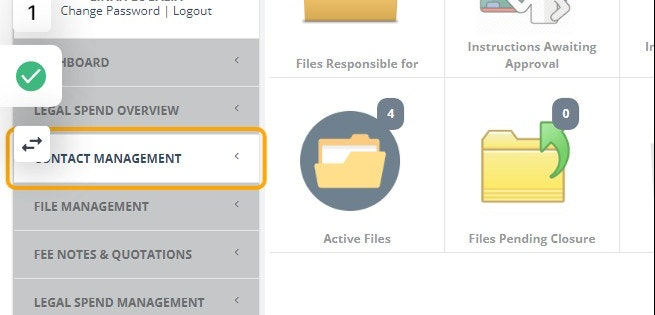
3. Click on Contact List link
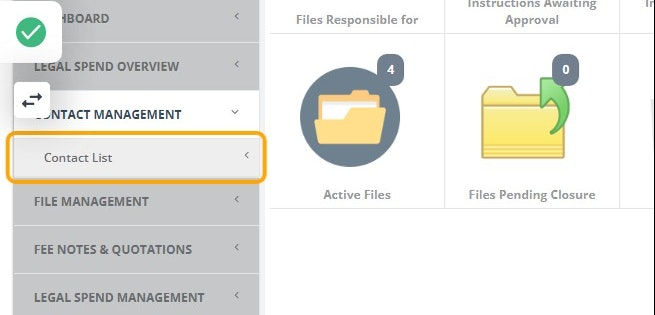
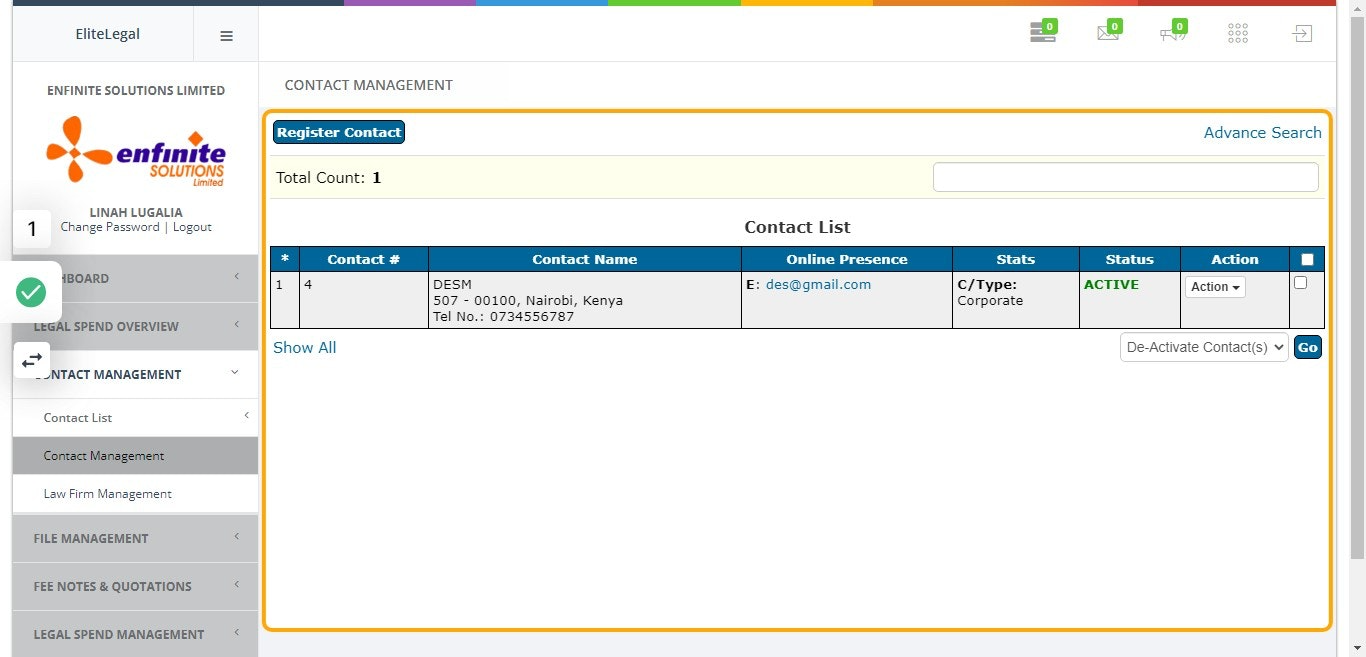
4. Click on "Contact Management" sub module
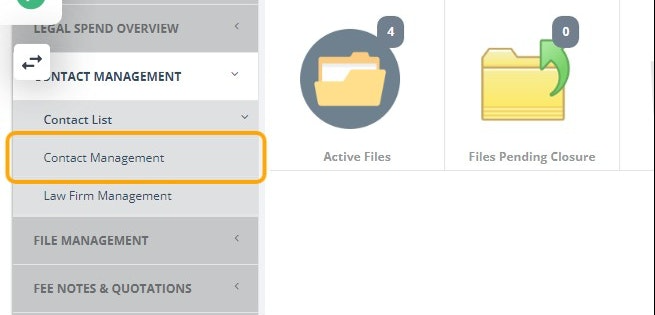
5. Click on "Register Contact" button at the top of the page
Note that on this page you are able to view all the lists of all clients with their details as registered in the system.
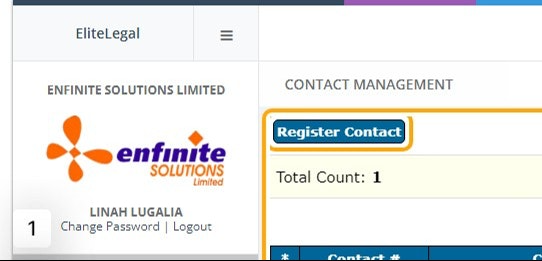
6. Click on "Register Contact" button at the top
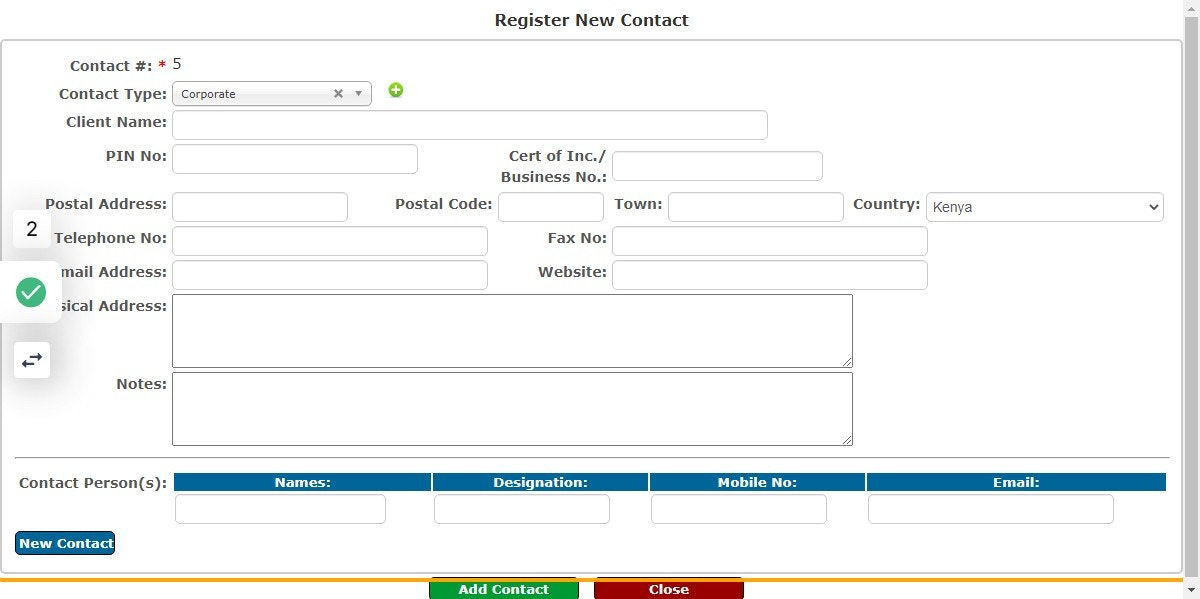
7. A form will pop out will the registration details
Fill in the details in the provided fields appropriately i.e. contact type, client name, pin number, contact person etc as shown in the example below.
8. Contact Number will be Added Successfully
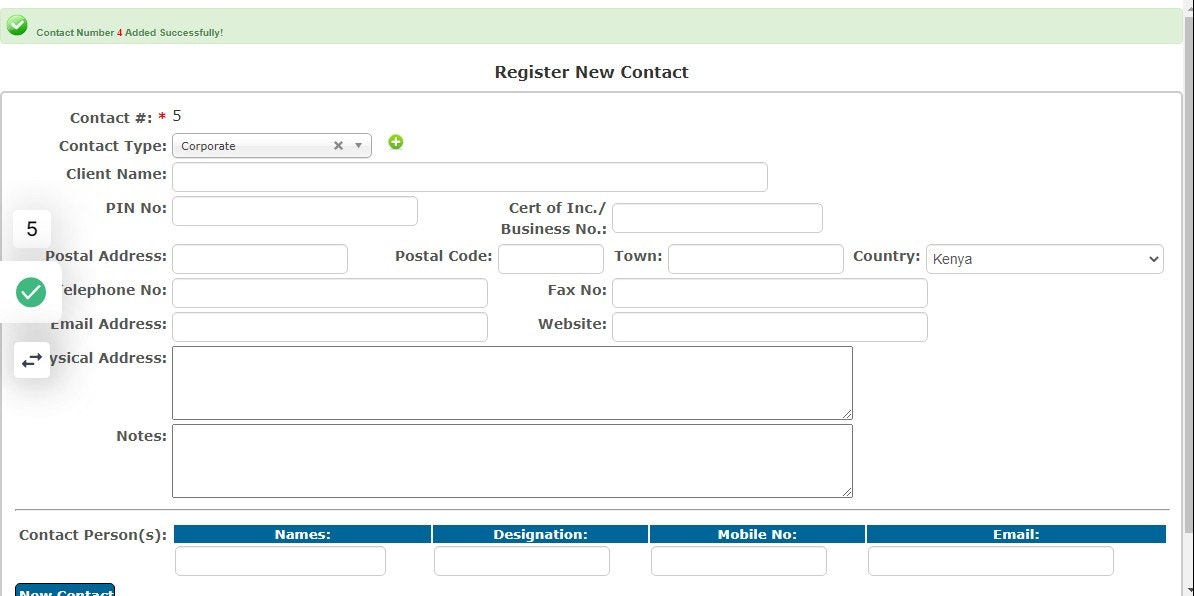
9. Registered client is Active
This is how the details appears after registration as shown in the example below.
