Parties/client Management
This module enables to register different parties involved in a contract/agreement. Party is an individual or an entity which enters into an agreement with another contracting party i.e. (the offeror and acceptor) this means that accepting responsibilities, obligations and other benefits within that particular agreement.
Please follow the below steps:
1. Log into the system
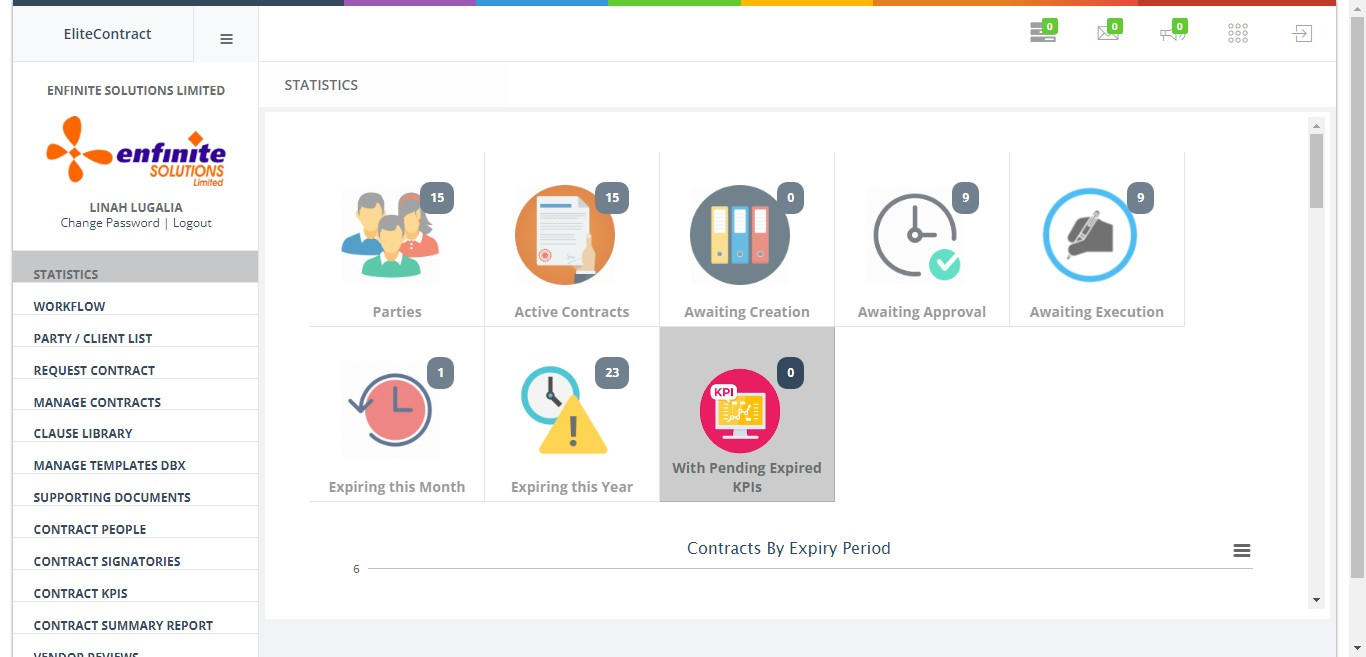
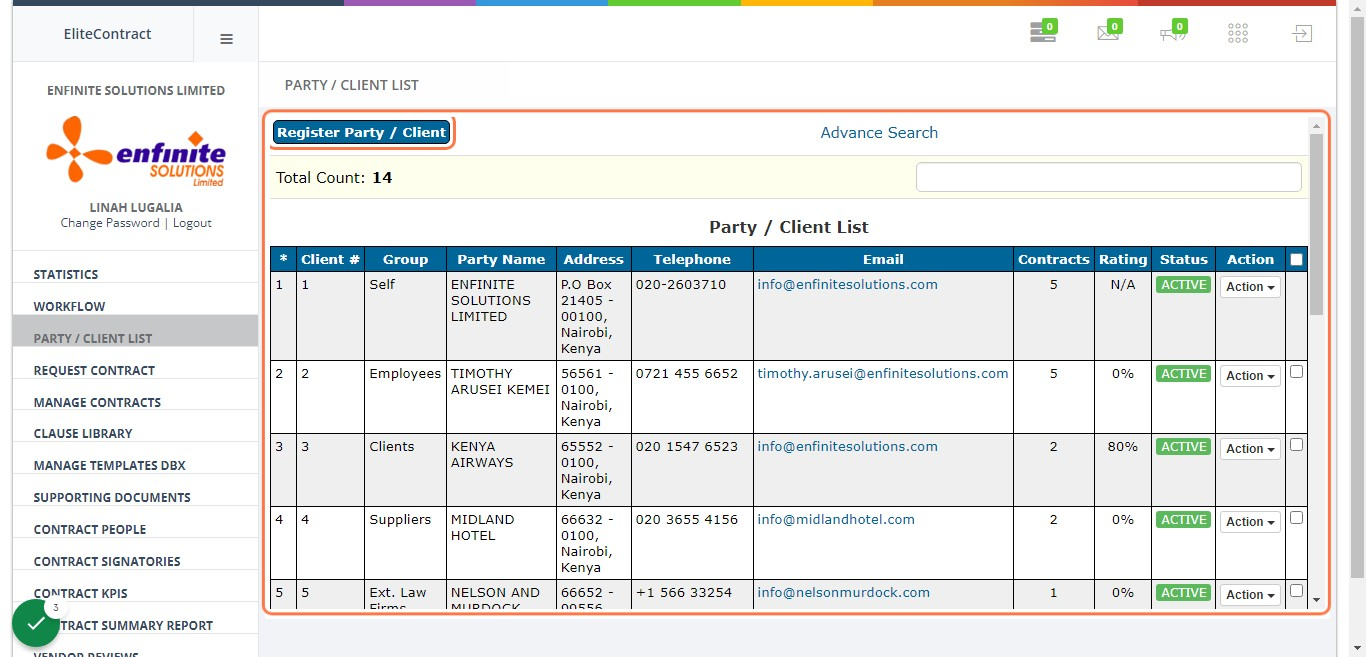
2. Go to “PARTY / CLIENT LIST” module
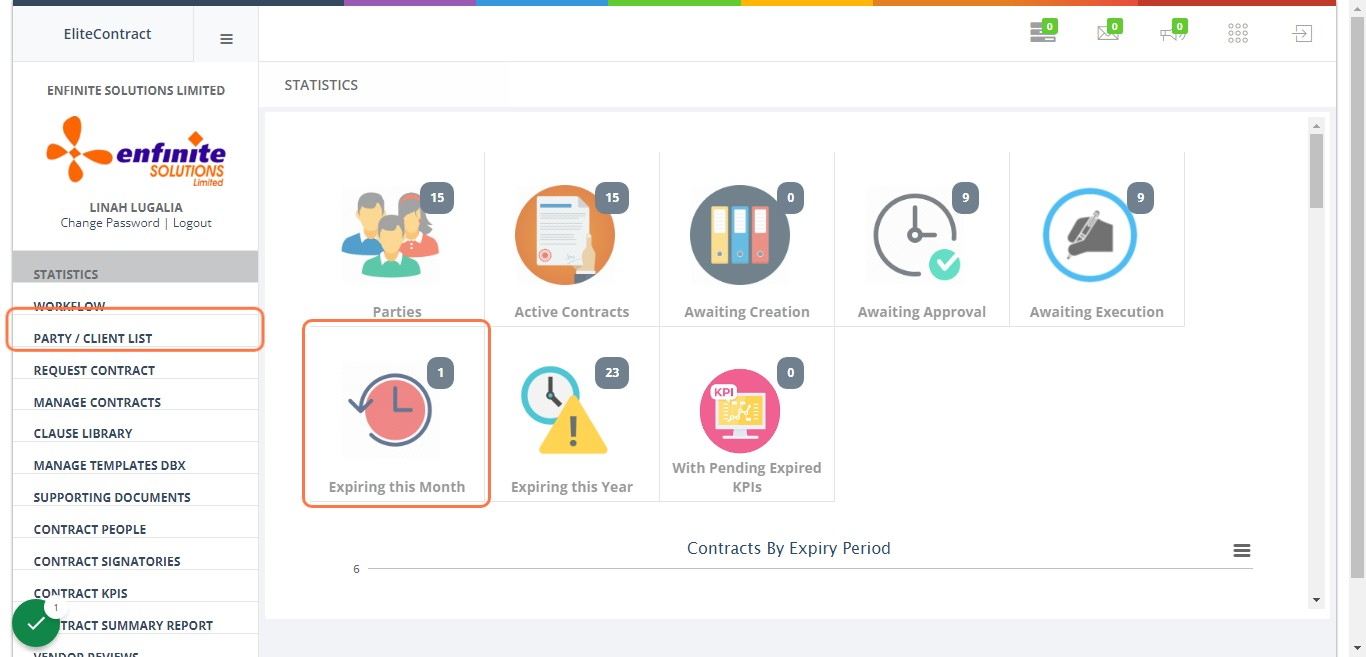
3. To view party/client list containing their details i.e. party name, address, email, number of contracts etc
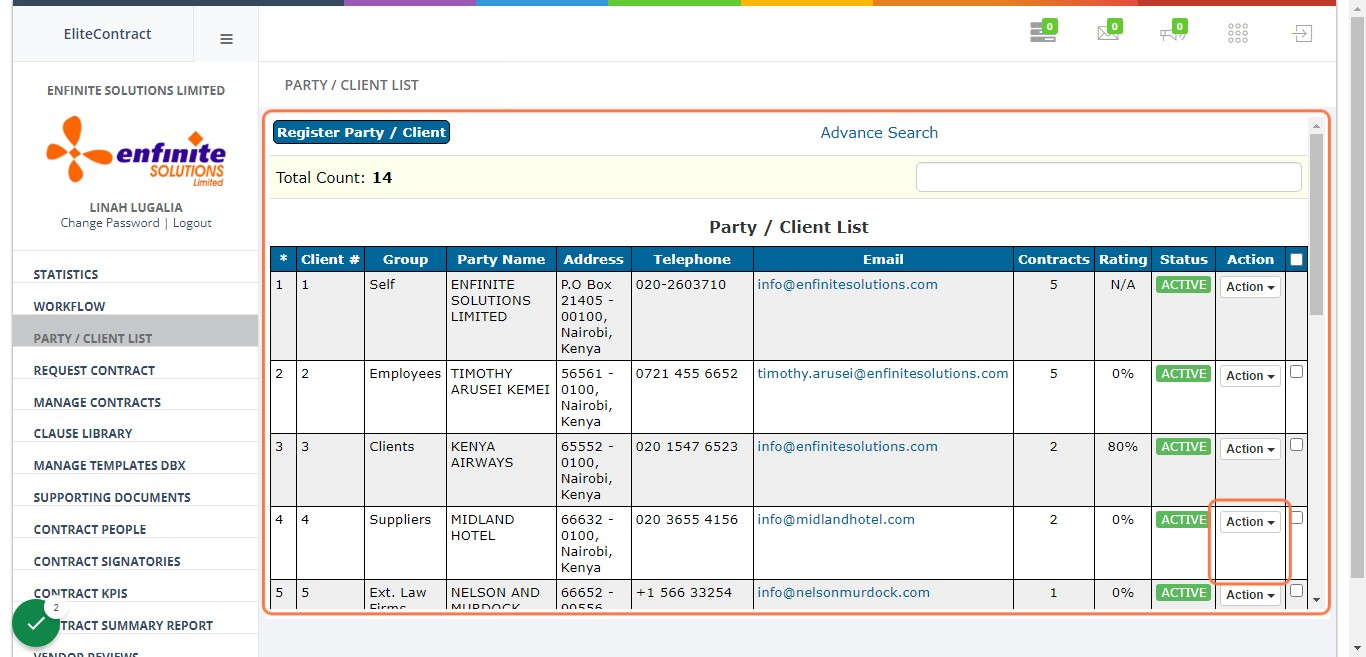
4. To add a client/party, click on “Register Party / Client” button at the top page
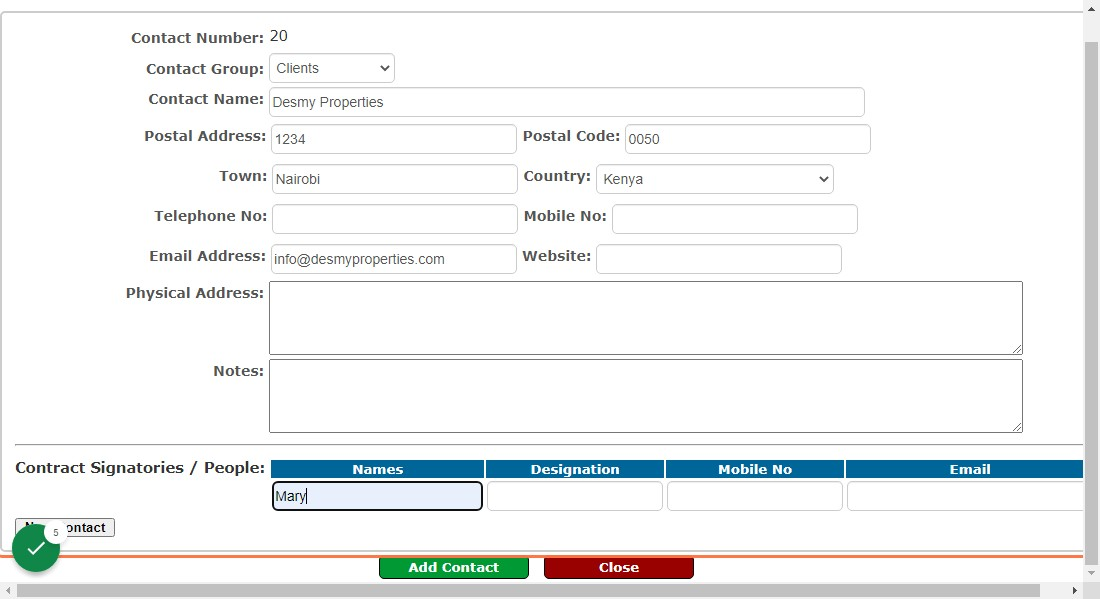
5. Fill in the details accordingly in the provided fields as shown below i.e. contact group (client, suppliers, employees etc), contract people etc
Note that Contract signatories email address is key for them to receive notifications for the contract signing
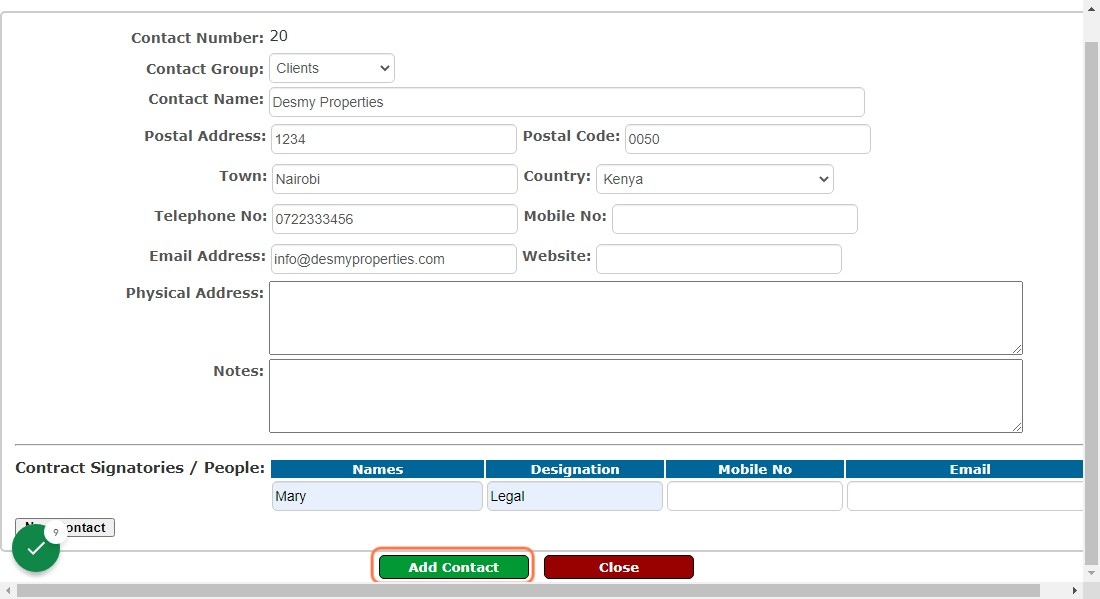
6. Once done click on the “Add Contact” button to submit the details
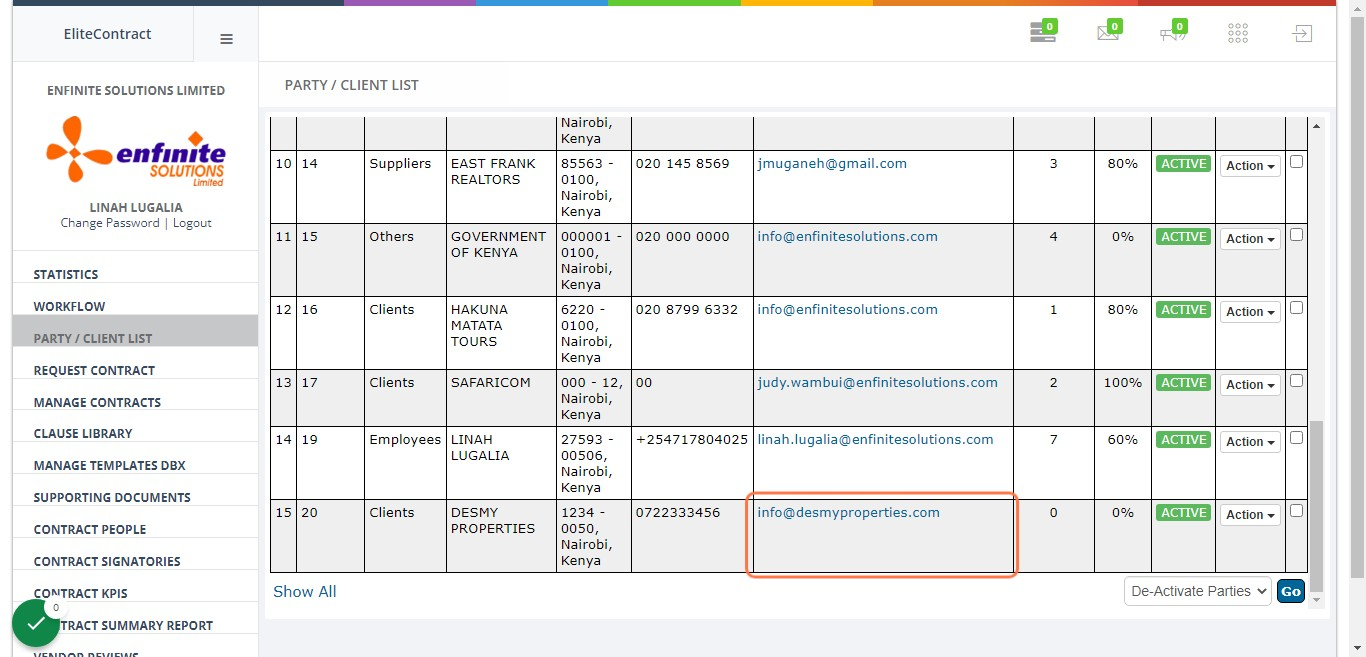
7. Registered contacts is saved under client list as shown in example 15 below