As part of the employee onboarding process, creating a Staff Account is the next step after employment confirmation. This involves capturing the employee’s details and integrating them into the organization’s systems, granting access to essential employee resources. A Staff Account ensures the employee is included in processes such as payroll, loan and advance eligibility, benefits, tax reliefs, overtime, and leave balances. This step formalizes their role within the organization and streamlines HR operations, ensuring accurate management and seamless access to employee-related services.
Steps:
- Start by logging into your account.
- From the main dashboard, locate and click on HR & Payroll module
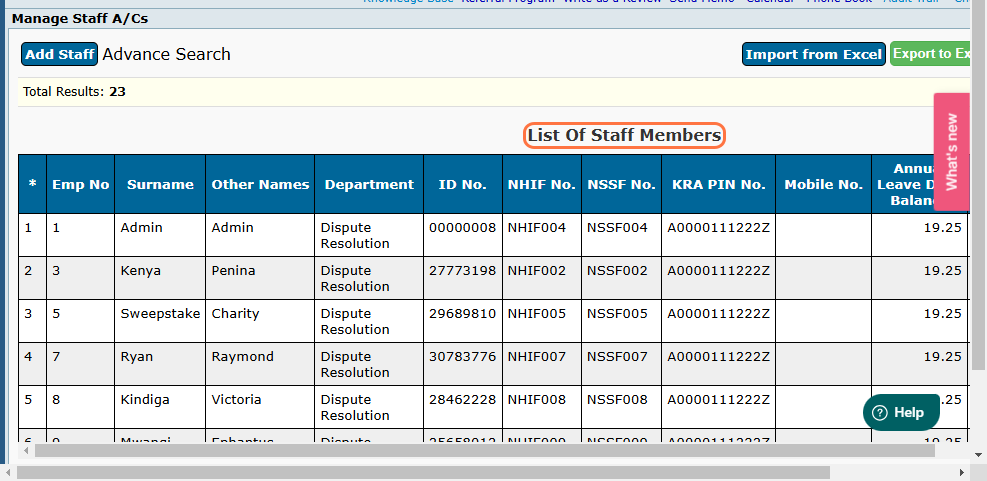
- Go to the Staff Management section, then click on Manage Staff Account. This directs you to a page showing a list of all registered staff members
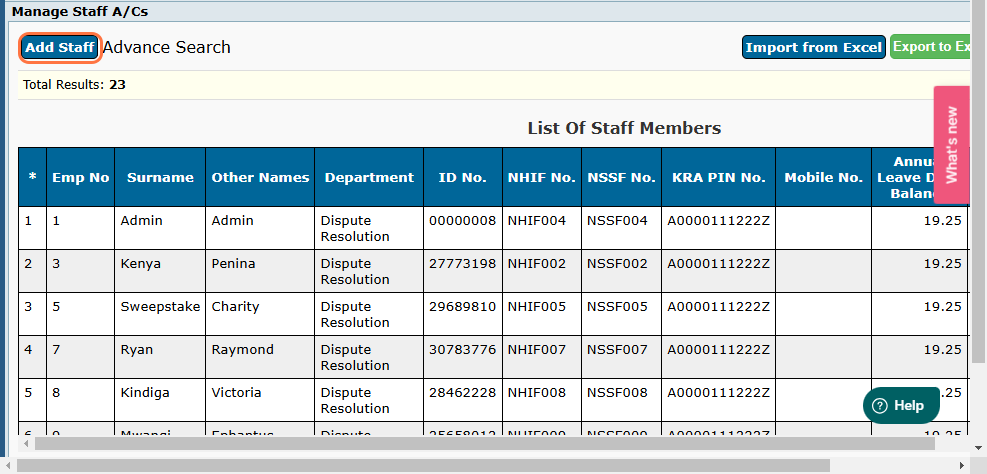
- To add a staff member. Click on Add Staff at the top left corner of the page.
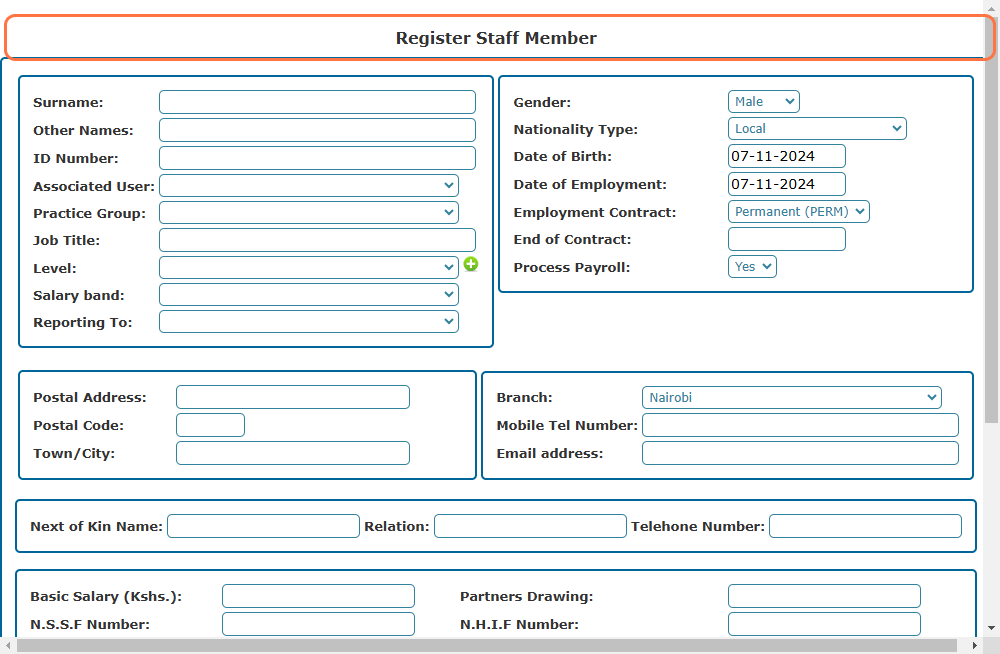
- Complete the register staff member form with all the relevant details on the provided fields
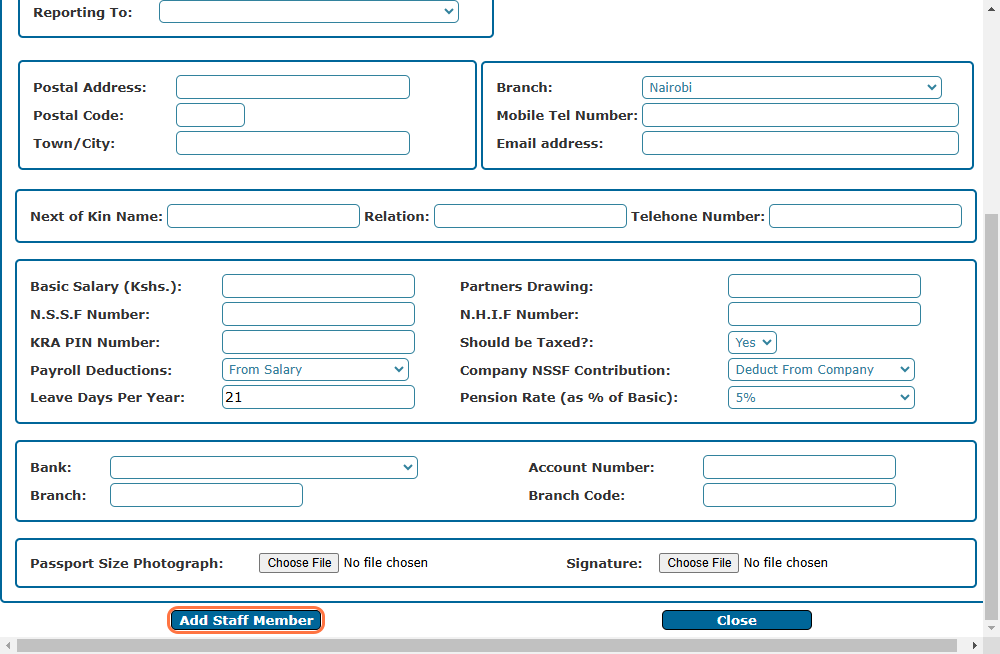
- Once done click on Add Staff Member to complete the registration